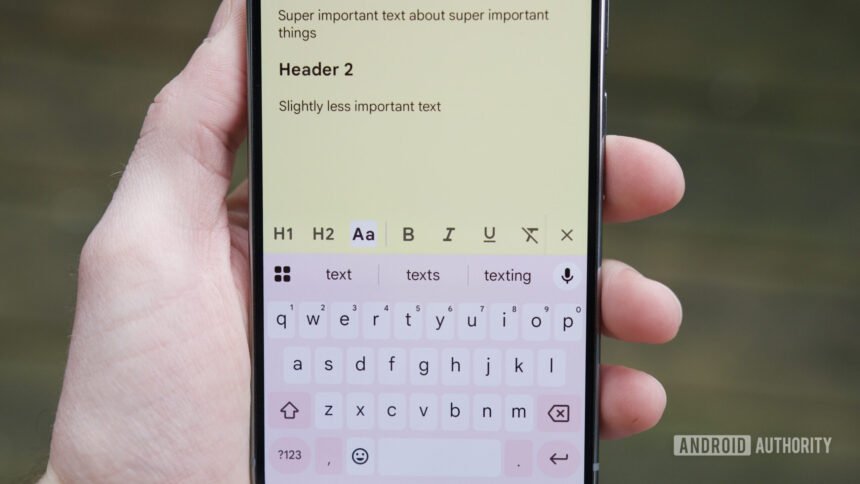
Joe Maring / Android Authority
TL;DR
- Google Keep for the web is gaining text formatting.
- The new formatting options are located in the underlined “A” button.
- Text formatting is rolling out for Workspace, Workspace Individual, and personal Google account users.
It’s been two years since text formatting was brought to Google Keep on Android. While the feature has been available on the mobile app for a while, the web version of Keep has remained neglected. However, that’s about to finally change.
Google has announced it is updating the web version of its note-taking service. The company is rolling out rich text formatting, which will allow you to customize text and heading styles to your liking.
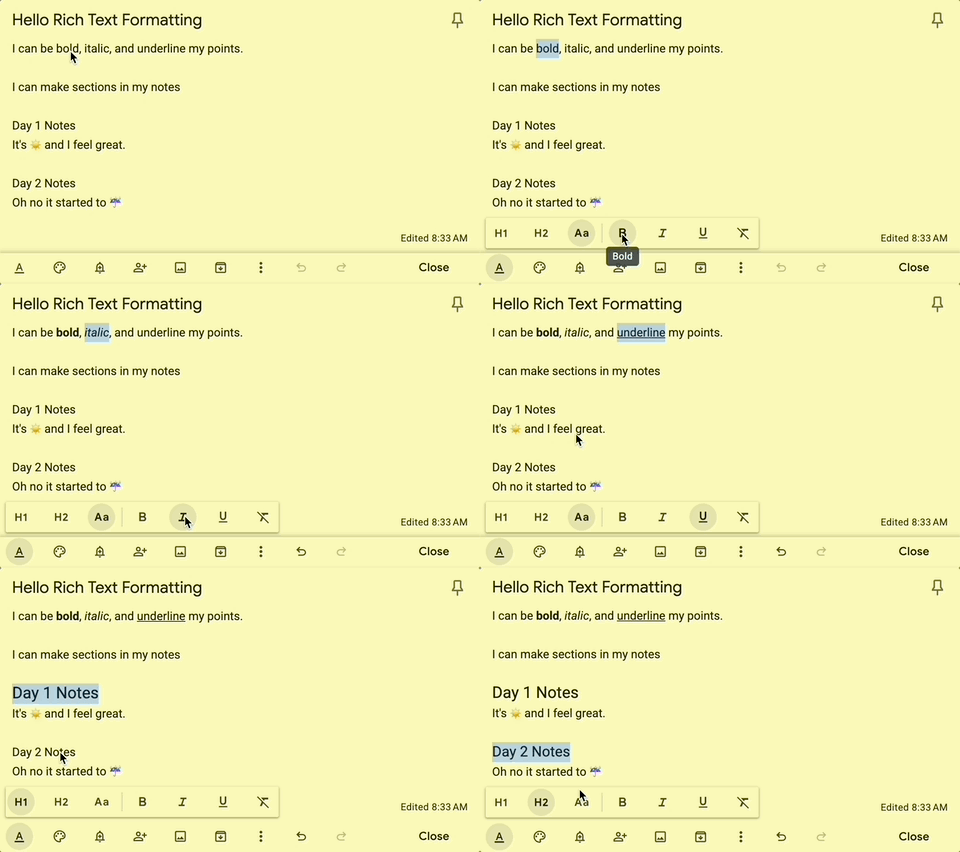
In the updated toolbar at the bottom of the note, you’ll now see an underlined “A” button sitting to the left. Once you click on this button, a new toolbar will pop up that contains all the formatting options. Here, you can choose to italicize, bold, underline, or remove formatting. You’ll also have options to convert regular text into H1 or H2 headers.
Text formatting is starting to roll out now for Workspace, Workspace Individual, and personal Google account users. However, you may not see the change right away as the rollout may take a few weeks. Google doesn’t mention if this update will sync with the Android app, but fingers crossed it does.