
Are you the type of person who swears like a sailor or someone who prefers to maintain a professional level of discourse at all times? Windows will have you covered, regardless.
Microsoft is releasing new Insider builds as of Friday in multiple channels. The key feature, as it appears in Windows 11’s Beta Insider build (26120.3941) is an updated profanity filter for voice typing.
You can turn on voice typing using the WIN+H shortcut and begin dictating. It recognizes your voice about as well as a smartphone but without the need for an AI-powered NPU.
Dictation, however, can be formal such as using my voice to type an article like this or more casual like orally recapping a meeting. In certain cases, you might be tempted to drop in a swear word here and there. With the new update, you can simply opt to either “bleep” out the cussing via asterisks or else leave the profanity in in its entirety. Either way, it’s up to you.
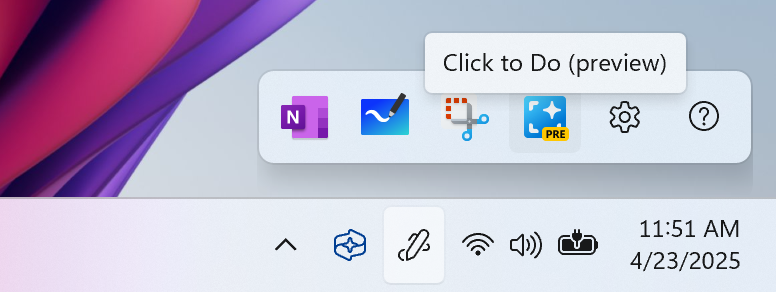
Today marks the day that Microsoft releases features like Recall, Click-to-Do, and others into the wild. To build upon that, Windows is releasing an additional feature: launching Click to Do with a Bluetooth pen. Click to Do essentially allows you to right-click and open up a menu of the most frequently used features attached to a file or app. The pen option is a bone that seems to be tossed to tablet users, as you’ll still have to select which function you want to access. The idea seems to be that if you’re already inking, you can click your pen and then tap your preferred task quickly without breaking the flow.
Microsoft is also adding a small feature that can wall off your Photos from Windows’ Search function, if you’re on a work or school account and don’t want Windows to “see” your personal photos.
Insider Beta Builds aren’t guaranteed to make it through Microsoft’s testing process and land on your PC. But there’s a good chance they will!