TL;DR
- Proton Mail is rolling out a feature called “Newsletters view.”
- Newsletters view is a focused space that organizes all of your subscriptions in one place to help you declutter your inbox.
- It features two separate tabs for quick access to active subscriptions and mail lists from which you’ve unsubscribed.
It’s easy to get overwhelmed by the amount of email sitting in your inbox. Things like promos, job alerts, store updates, and more can often make up the bulk of the messages waiting for you to open. While some of these newsletters may be important, others may not be. To help you declutter your inbox, Proton Mail is getting a new feature to round up these subscriptions.
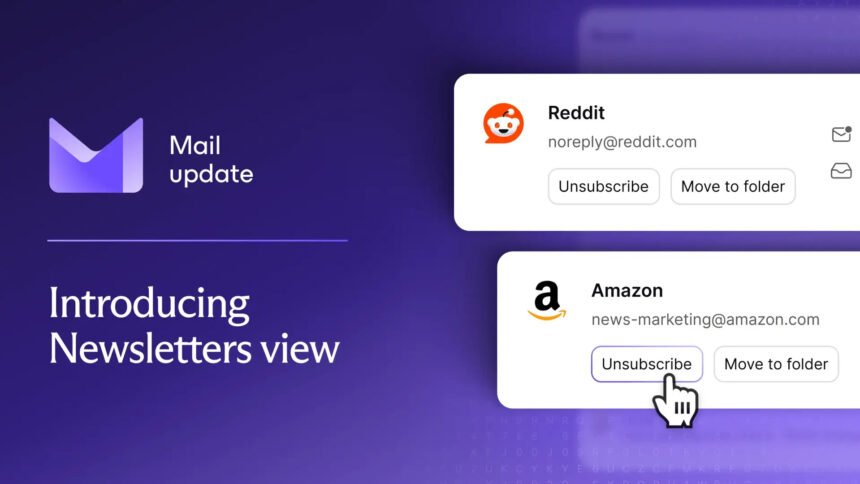
Today, Proton announced it will be rolling out a new feature called “Newsletters view.” The feature is being released gradually, and it will be located in the sidebar once it arrives. As the company explains, you’ll be able to use Newsletters view to see and manage all of your email subscriptions in one place.
Separate from your normal inbox, this is a focused space that allows you to browse through these subscriptions. This feature aims to help you figure out which newsletters you want to keep and which ones you wish to cancel. You can then cancel everything you don’t want with one click. In addition to unsubscribing, you can filter by sender and delete everything they ever sent you or manage emails individually.
Proton mentions that Newsletters view will have two tabs, one for active subscriptions and the other for emails you’ve unsubscribed from. You’ll also be able to see how often a sender emails you and spot what subscriptions you’ve stopped reading.
Overall, it sounds like it could be a handy tool to help clean up your overcrowded inbox. Proton adds that this feature will be built directly into your Proton Mail inbox, so you won’t have to install anything.